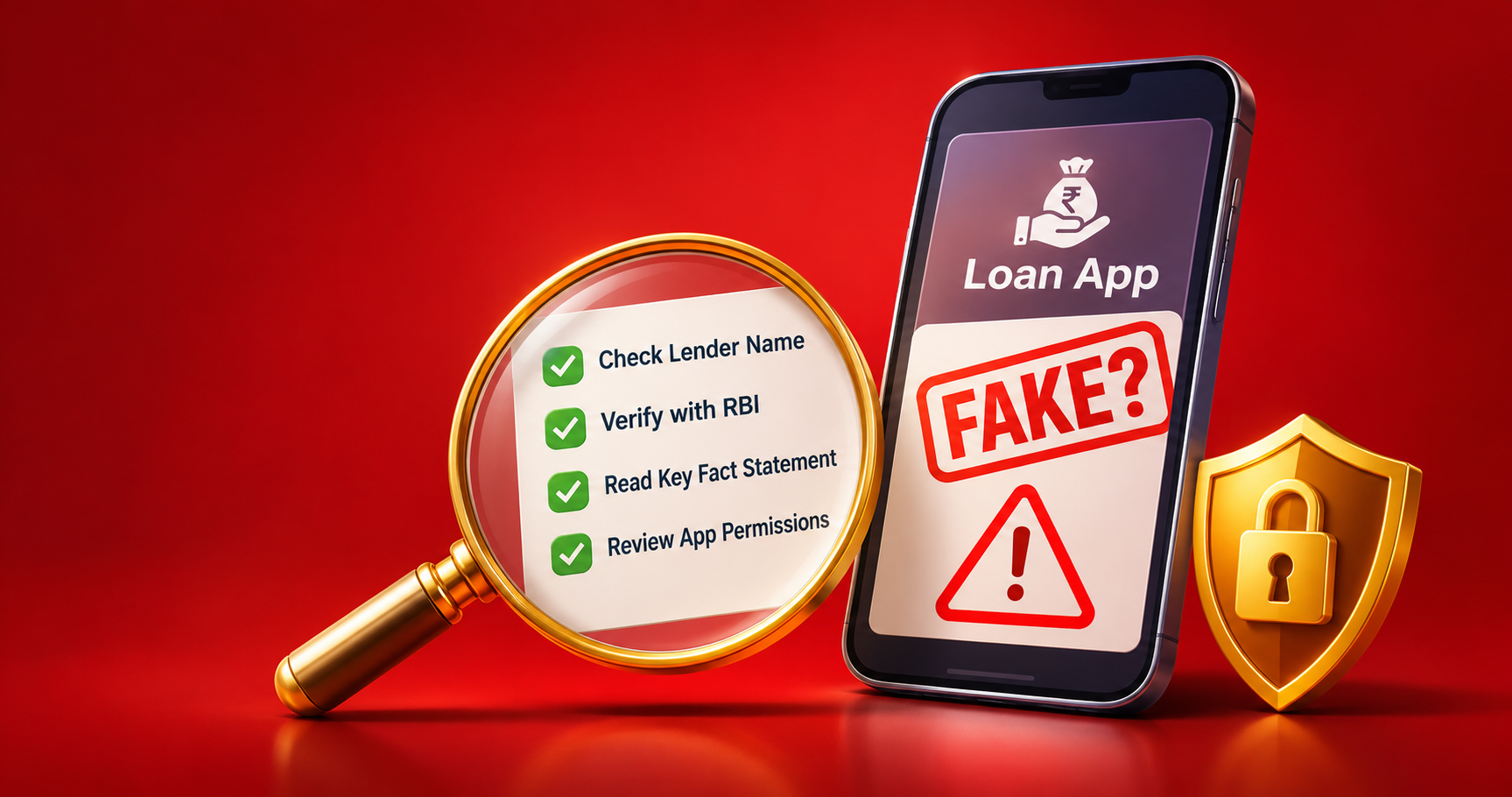
How to Spot a Fake Loan App or Offer in India: A 5-Minute Check
28 October, 2026 All
5 mins read
Learn how to identify fake loan apps and offers in India. Check RBI registration, spot fraud, understand app permissions and know where to report loan scams.
A loan offer is fake if the lender cannot be traced to a bank or NBFC registered with RBI, or if it asks you to send money before it sends you any. RBI does not approve or license loan apps, so an “RBI-approved” badge proves nothing on its own. To check an offer, find the lender’s legal name, confirm it on RBI’s lists, and read the Key Fact Statement before you accept. It takes about five minutes.
This guide covers the red flags, the five-step check, the app permissions that should worry you, and what to do if you have already installed a fake app.
The 60-Second Test
Stop if the answer to any of these is yes:
- Does the offer fail to name a specific bank or NBFC as the lender?
- Does it ask you to pay a fee, tax or deposit before you receive the loan?
- Does the app ask for your contacts, photo gallery or SMS inbox?
What Is a Fake Loan Offer?
A fake loan offer is a lending proposal, sent through an app, website, SMS, WhatsApp message or call, with no verifiable link to a bank or NBFC registered with RBI. It usually takes one of four forms:
- An app with no named lender, which hides behind generic branding.
- Impersonation, using the name and logo of a real bank or NBFC with small changes.
- Advance-fee fraud, where you pay “processing”, “insurance” or “tax” charges and the loan never arrives.
- Phishing, where a link or an APK file sent by SMS or WhatsApp steals your details.
Fake apps can look professional and may even appear on official app stores. Some pay out a small amount first to earn your trust, then turn abusive once they hold your contact list.
Does RBI Approve or License Loan Apps?
No. RBI regulates banks and NBFCs, not individual apps. A genuine app works on behalf of a regulated lender, and that lender’s name should be clear in the app and in your loan agreement.
RBI publishes a directory of digital lending apps reported by the lenders it regulates. A listing shows that a lender has reported the app. It is not an RBI endorsement of the app. An app that claims to be “RBI-approved” without naming its lender should be treated as unverified.
What Are the Red Flags of a Fake Loan Offer?
Any one of the first five is enough reason to walk away.
- No named bank or NBFC. The app, website footer, store listing and agreement never mention the lender.
- A request to send money first. Genuine lenders do not ask you to transfer money to a personal UPI ID or account to get a loan approved. Regulated lenders may charge a processing fee, but it is disclosed in the Key Fact Statement and is not a payment you make to “unlock” the loan.
- “Guaranteed approval, no credit check.” Regulated lenders assess your identity, income and credit before lending.
- An APK link on WhatsApp, SMS or Telegram. Install apps only from the official Google Play Store or Apple App Store, and still run the five-step check.
- Requests for contacts, gallery, SMS or call logs. A lending app does not need them.
- No Key Fact Statement. You should receive one before you accept the loan.
- Countdown timers and pressure. “Offer expires in 2 hours” is meant to stop you from checking.
- No registered address or grievance contact. Genuine lenders publish how to reach them and how to complain.
Two more signs appear after you borrow: the amount credited is lower than the sanctioned amount with no explanation in your Key Fact Statement, and you get threats or messages sent to your contacts as soon as a payment is late.
Fake Loan App vs Genuine Lender
| Area | Fake loan app | Genuine lender |
|---|---|---|
| Fees | Asks you to pay before disbursal | Discloses all charges in the Key Fact Statement before you accept |
| Lender identity | No named bank or NBFC | Names its registered lender and legal entity |
| Approval | “Guaranteed, no checks” | Verifies identity and assesses credit and income |
| Permissions | Contacts, gallery, SMS | Limited, consent-based access needed for KYC |
| Where you get it | APK link on WhatsApp or SMS | Official app stores and the lender’s own website |
| Payout | Less than sanctioned, or to a third party | Directly to your own bank account |
How Can You Check Whether a Loan App Is Genuine?
- Find the lender’s legal name. Look in the app store listing, the website footer and the loan agreement. If there is no named bank or NBFC, stop.
- Check RBI’s list of digital lending apps. Search for the app name. Remember that a listing is not an endorsement.
- Confirm the lender is registered. For an NBFC, search RBI’s list of registered NBFCs and match the exact legal name and Certificate of Registration, not a similar-sounding brand. For a bank, check RBI’s list of banks.
- Look the entity up on RBI’s Sachet portal (sachet.rbi.org.in), which RBI runs to help the public check and report unauthorised entities.
- Read the Key Fact Statement before you accept. It should show the loan amount, the annual percentage rate (APR), all fees and charges, the amount you will actually receive, and the repayment schedule. Confirm the money will go straight from the lender to your own bank account.
Which App Permissions Are Normal and Which Are Red Flags?
A lending app may need one-time, consent-based access to your camera or location to complete KYC. It does not need your contact list, photo gallery, files, SMS inbox or call logs. Fake apps collect these to pressure you and your contacts if you fall behind. If an app refuses to work without them, uninstall it.
Read more about how to protect your data while using digital financial services.
What Should You Do If You Have Already Installed a Fake Loan App?
- Stop paying. Do not pay “penalties”, “extension fees” or anything demanded under threat.
- Revoke permissions and uninstall. Go to Settings, then Apps, then the app’s permissions, switch off every permission, then uninstall it.
- Secure your money. If you shared banking details, call your bank at once to block unauthorised transactions, and change your passwords and PINs.
- Keep evidence. Take screenshots of messages, payment records, the app page and the numbers that contacted you.
- Report it quickly. Call the national cybercrime helpline 1930 and file a complaint on the National Cyber Crime Reporting Portal (cybercrime.gov.in). Reporting early gives your bank a better chance to act on lost money.
- Report the unauthorised lender to RBI through the Sachet portal.
- Warn your contacts. Tell family, friends and your employer that they may receive threatening messages and should not respond or pay.
Harassment and blackmail are crimes whatever amount you owe. If the harassment comes from a regulated lender or its recovery agent, complain to the lender first and then to the RBI Ombudsman.
Can Recovery Agents Contact Your Family or Employer?
Recovery agents cannot threaten, abuse or shame you, including by telling your family, friends or employer about your loan to put pressure on you. Save the messages and call logs, and report them using the steps above.
How Do You Check That Kosamattam Finance Is Genuine?
Apply the same test to us. Kosamattam Finance is an NBFC registered with RBI. A gold loan is sanctioned against gold you pledge, with the gold valued at a branch, so there are no “pre-approved” links to click and no need to share your contacts or gallery.
Ask any branch for the charges and the Key Fact Statement before you accept. Details are on the gold loan page, and you can estimate your amount with the gold loan calculator. Find your nearest branch or contact us.
FAQs
Is it normal to pay a processing fee for a loan?
Regulated lenders can charge processing fees, but they must disclose them in the Key Fact Statement before you accept, and they are often deducted from the amount credited. What signals fraud is a request to send money first, especially to a personal account or UPI ID, before any loan is paid out.
What is a Key Fact Statement (KFS)?
It is a standard summary of the loan’s key terms: the amount, APR, fees and charges, the amount you will receive and the repayment schedule. A lender should give it to you before you accept the loan.
Does “RBI-approved” on an app mean it is safe?
No. RBI regulates banks and NBFCs, not apps. Check the named lender on RBI’s lists instead.
Can a fake loan app be on the Play Store?
Yes. Apps on official stores can still be fraudulent or abusive, so run the five-step check for every app.
Is a “pre-approved loan” SMS genuine?
Not by default. Do not click the link. Open the lender’s official app or website yourself, or call its published number, and ask whether the offer exists.
Where do I report a fake loan app?
Call 1930, file at cybercrime.gov.in, and report the unauthorised lender on RBI’s Sachet portal. Keep screenshots and payment records ready.
What if my contacts receive threatening messages?
Do not reply or pay. Save screenshots, tell your contacts not to engage, and include the messages in your cybercrime complaint.
Conclusion
Name the lender, check it on RBI’s lists, read the Key Fact Statement and never pay to receive a loan. Those four habits stop most loan fraud. If you have a complaint about a Kosamattam loan, use our grievance redressal policy.
This article is general information, not legal or financial advice. RBI rules change, so confirm current requirements on RBI’s website. Last reviewed: [28/10/2026]